


Download MiniMovie – slide show, video editor, mobile video, free video editor, video collage, image to video, video maker, photo slideshow, mobile editing
Overview
MiniMovie is a free desktop application designed to simplify the creation of video slide shows from personal images. Tailored for users who want to transform static photos into engaging visual narratives, the software serves as an accessible entry point into video editing. It enables individuals to craft video collages for personal, social, or professional use without requiring technical expertise.
Common use cases include commemorating life events such as birthdays, weddings, and office celebrations, as well as preparing content for social media platforms. The software supports a range of image and video formats, allowing users to import files directly without prior conversion. A clean interface guides users through the process, from selecting media to finalizing the output.
The developer did not provide additional information about the company or development background. Platform compatibility details were not specified, though the software is designed for mobile devices and optimized for mobile viewing. The application is free to download and use with no hidden fees or in-app purchases.
It is suitable for casual users, content creators, and individuals seeking a lightweight solution for quick video creation.
Key Features & Capabilities
- Image-to-Video Conversion – Users can convert a series of images into a cohesive video slideshow with minimal effort. The software automatically arranges selected photos in sequence and applies transitions based on user preferences.
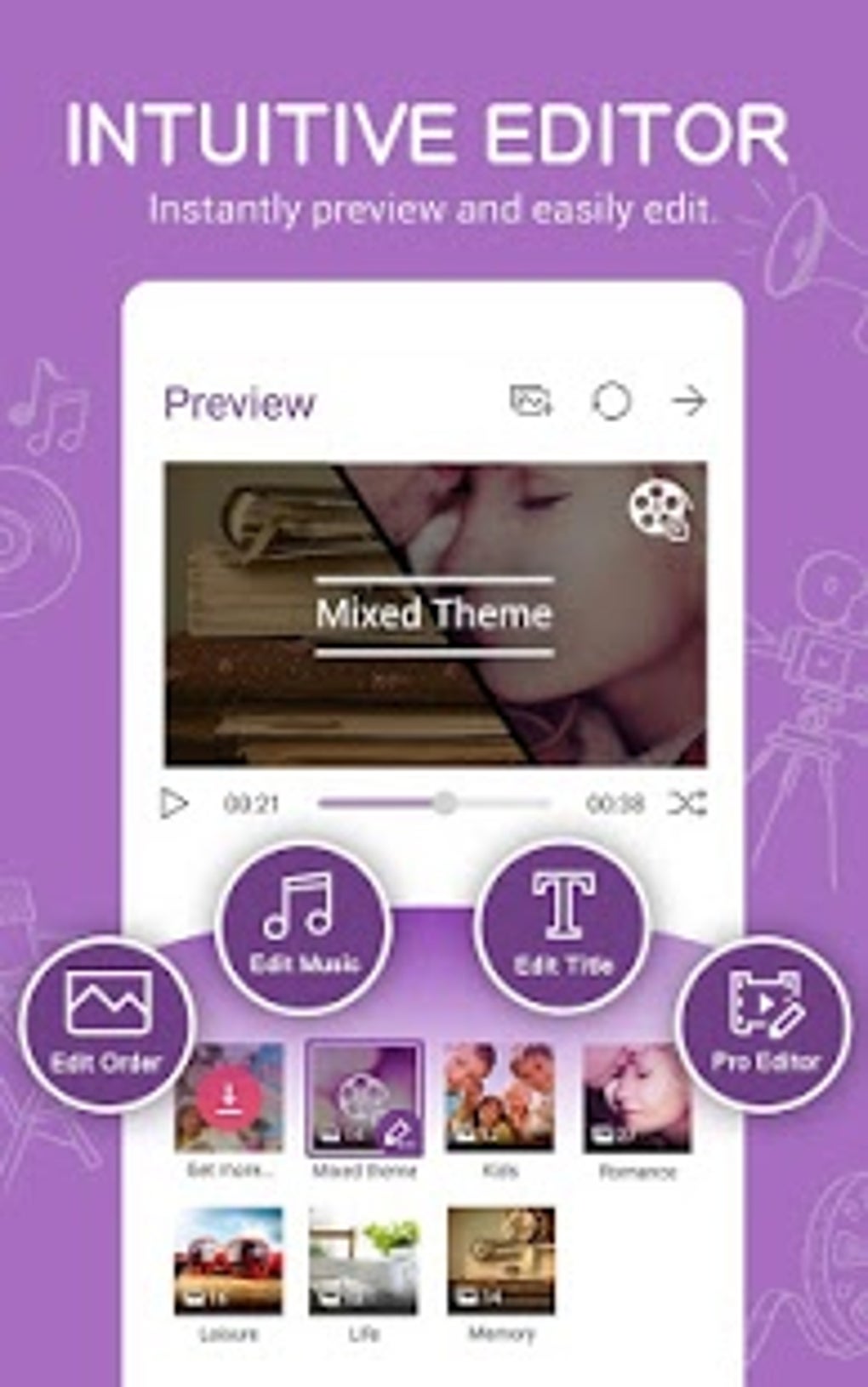
- Theme Templates – A selection of pre-designed themes, including landscape, portrait, and social media-optimized layouts (e.g., Instagram-friendly formats), allows users to match their video style to specific platforms or occasions.
- Customizable Transitions and Durations – Users can adjust the length of each image display and choose from various transition effects between frames to enhance visual flow.
- Audio Integration – Music can be added either from the built-in library or imported from local files, enabling users to synchronize sound with their visual content.
- Multi-Format Support – The software accepts a wide range of image and video file types, eliminating the need for format conversion before editing.
- Preview Functionality – Real-time previews allow users to review edits before finalizing the video, ensuring the desired outcome before export.
- Export and Sharing Options – Videos can be saved locally or uploaded directly to cloud storage and shared via popular social media platforms.
These features make MiniMovie ideal for users who want to create polished video content quickly, whether for personal memories, promotional materials, or social media engagement. The intuitive workflow reduces the barrier to entry for non-technical users seeking professional-looking results.
User Interface, Workflow & Performance
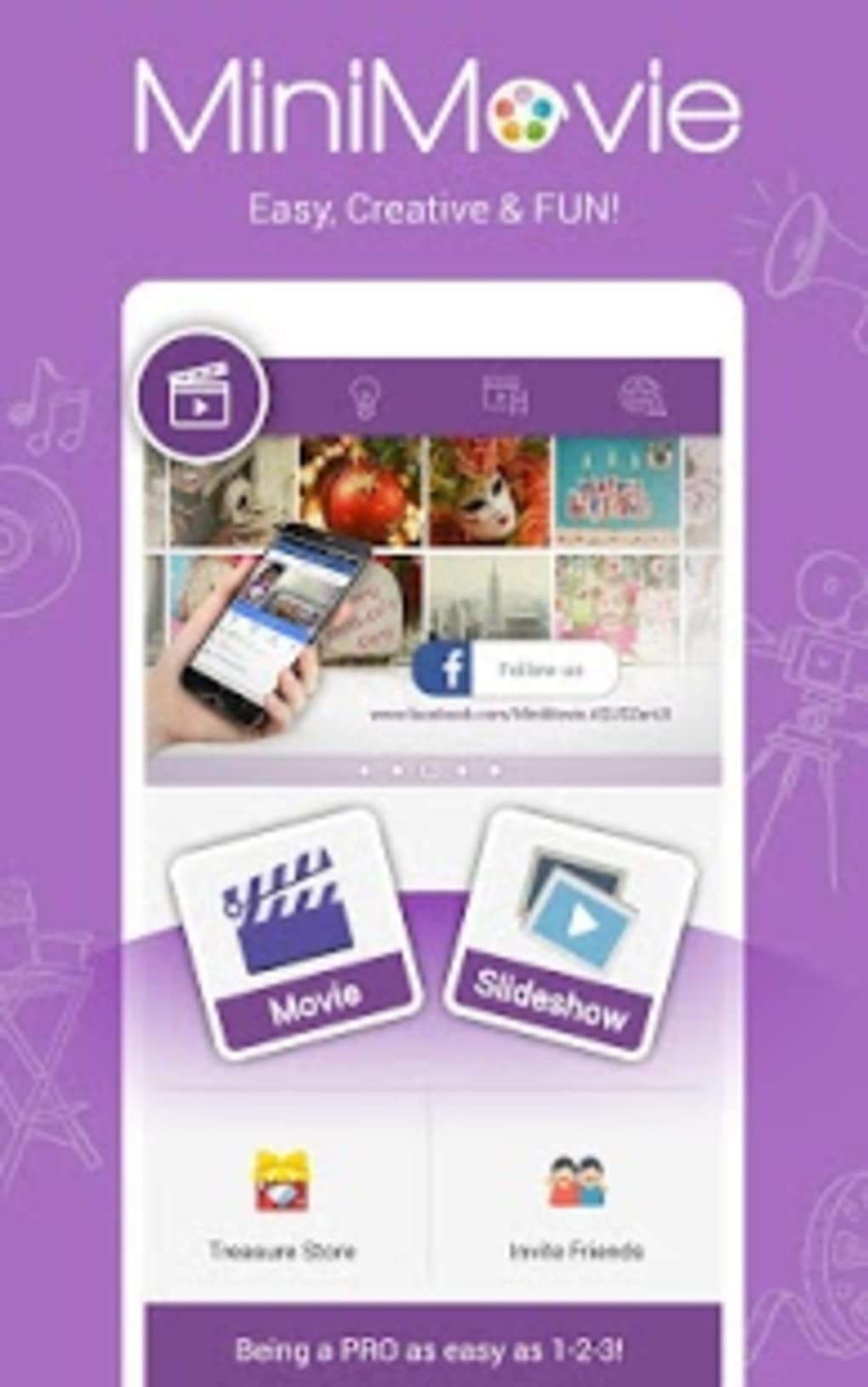
MiniMovie features a clean, minimalist user interface designed to minimize user confusion. Navigation is straightforward, with clearly labeled buttons and a step-by-step workflow that walks users through each stage of video creation. The layout emphasizes accessibility, with visual cues guiding users from media selection to export.
The software is optimized for mobile viewing, suggesting a focus on responsive design principles. However, exact performance details such as CPU or RAM usage were not specified by the developer. General software behavior patterns suggest stable operation under typical conditions, though actual performance may vary based on device capabilities.
The application appears to handle media processing efficiently, given its lightweight file size of 20.5 MB. The developer did not provide information on stability under prolonged use or during high-resolution rendering. Users can expect a smooth experience for basic editing tasks, though complex projects may depend on underlying device performance.
Compatibility & System Requirements
MiniMovie is designed for use on mobile devices, though the specific operating systems and versions were not provided. The software supports a variety of image and video formats, allowing direct import without conversion. The installation file size is 20.5 MB, indicating a lightweight footprint suitable for devices with limited storage.
Exact system requirements, including minimum processor speed, RAM, or storage space, were not listed by the developer. Compatibility information is partially provided, with no explicit mention of Windows, macOS, or other desktop platforms. Users should verify device compatibility before installation.
The developer did not specify whether the software supports older or newer OS versions. For optimal performance, users are advised to ensure their device meets general standards for running multimedia applications.
Pros and Cons
Pros
- Free to download and use with no hidden fees or in-app purchases
- Intuitive interface suitable for beginners and non-technical users
- Supports multiple image and video formats without conversion
- Offers customizable themes and transition effects
- Allows audio addition from built-in library or local files
- Lightweight at 20.5 MB, ideal for devices with limited storage
- Enables direct sharing to social media and cloud storage
Cons
- Exact system requirements and OS compatibility were not specified
- No information on advanced editing capabilities or export resolution options
- Performance under heavy use or with large media files was not documented
- Limited developer background or company details provided
- Version number and update frequency are not disclosed
FAQ Section
Is MiniMovie compatible with Windows and Mac?
The developer did not specify whether MiniMovie supports Windows or macOS. The software is designed for mobile devices, but exact platform compatibility remains unclear.
Is MiniMovie safe to download and use?
MiniMovie is offered at no cost and does not require registration. While no security risks were reported, users should download the software from official sources to ensure authenticity.
Can I use MiniMovie offline?
Yes, the software does not require an internet connection for basic editing tasks. However, online sharing features may require connectivity.
Does MiniMovie support high-resolution video exports?
The developer did not provide information on export resolution or video quality settings. Standard output formats are assumed, but specific details were not disclosed.
How often is MiniMovie updated?
Update frequency and version history were not specified by the developer. Users are advised to check for updates manually if available.
Final Thoughts
MiniMovie delivers a straightforward, no-frills solution for turning photos into engaging video slide shows. Its free access, intuitive interface, and support for multiple formats make it a compelling choice for users who value simplicity over advanced features. While detailed technical specifications and system requirements are limited, the software’s lightweight design and mobile-first orientation suggest broad accessibility.
It excels in helping users create shareable content for personal and social purposes without the complexity of professional tools. Although it lacks advanced editing functions, its strengths lie in ease of use and quick turnaround. For casual users, students, or anyone seeking a hassle-free way to create video collages, MiniMovie offers a practical and accessible option.
Download MiniMovie now.





.png)

